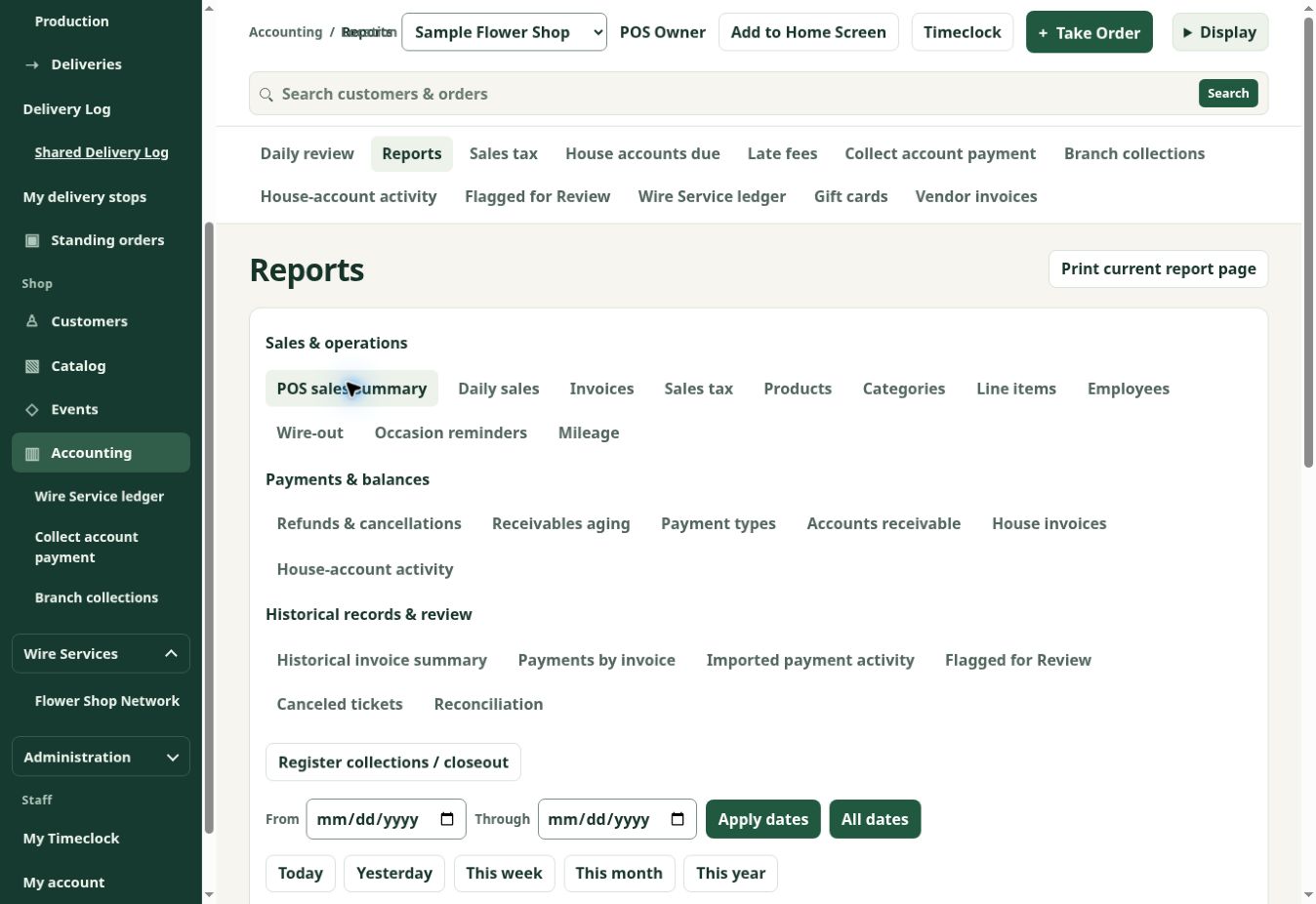
Actual demo POS POS sales summary with invoice totals and collected tender broken out by payment type.
01
Collect against the right balance.
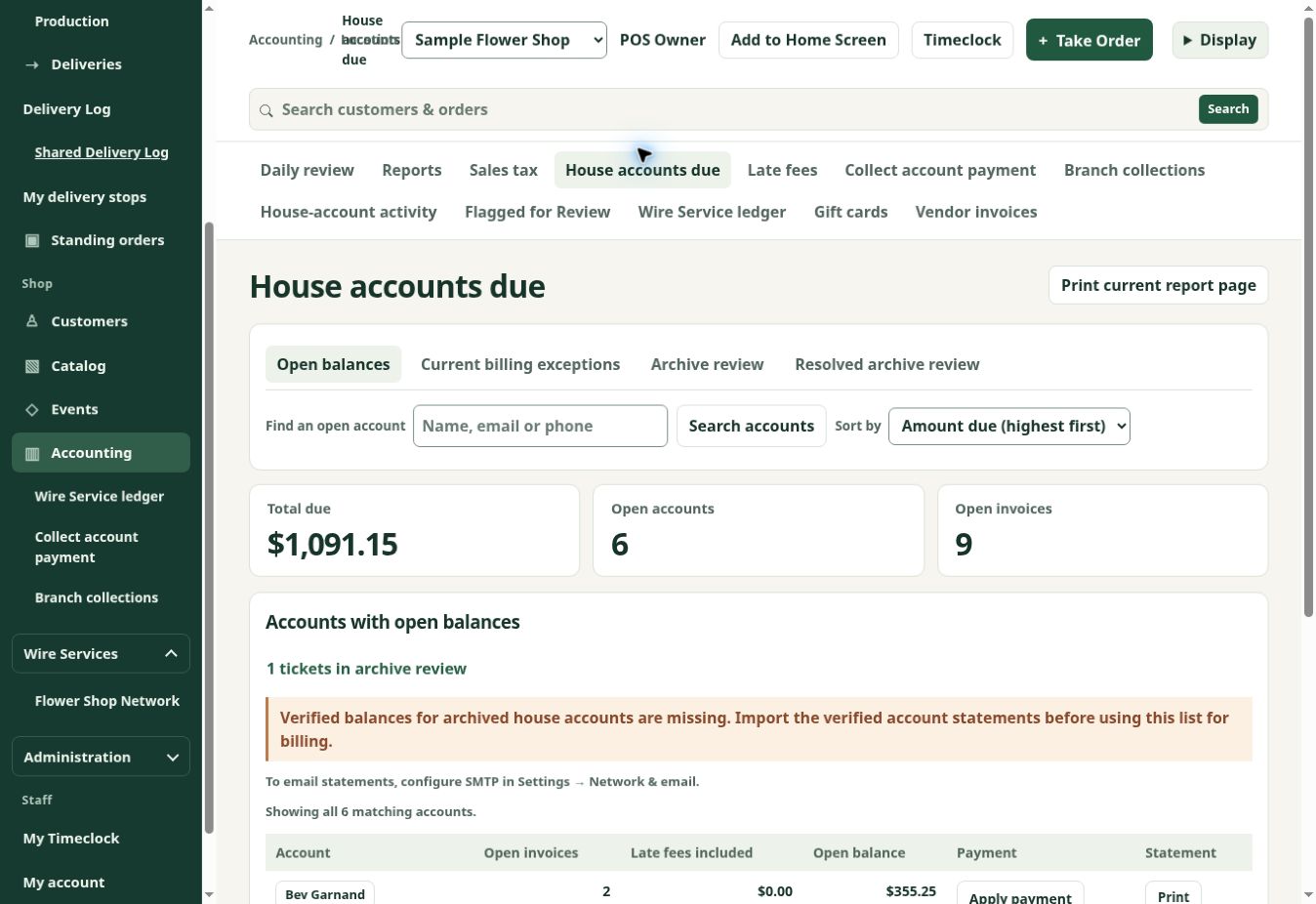
Search all open house accounts, sort by name or amount, inspect invoice details and apply full or partial payments. Oldest eligible invoices receive account-level allocations first. Checks retain their reference numbers.
02
Send customers a useful statement.
Preview statements for one, selected or all eligible accounts. Include unpaid invoice PDFs, send a full ledger, or provide a paid invoice with its recorded paid-on date. Print and email use matching branded documents.
03
Separate sales from money received.
Review invoice-date sales and tax alongside collection-date tender and refunds. Compare standard and custom payment types, register/location collections and receivables. Vendor invoices track spending separately.
From balance to payment
See every open account.
Sort by amount or name, inspect invoices and start a payment from the account row. The live demo also shows how historical verification exceptions remain visible.