
Self-hosted or managed cloud.
Self-host when you want to manage the environment, updates and backups. Choose cloud hosting when you want help running the infrastructure. Discuss installation and support needs before choosing a deployment.
Your shop. Your data.
Run on your own infrastructure or choose managed cloud hosting. Configure the shop around the way your team works.
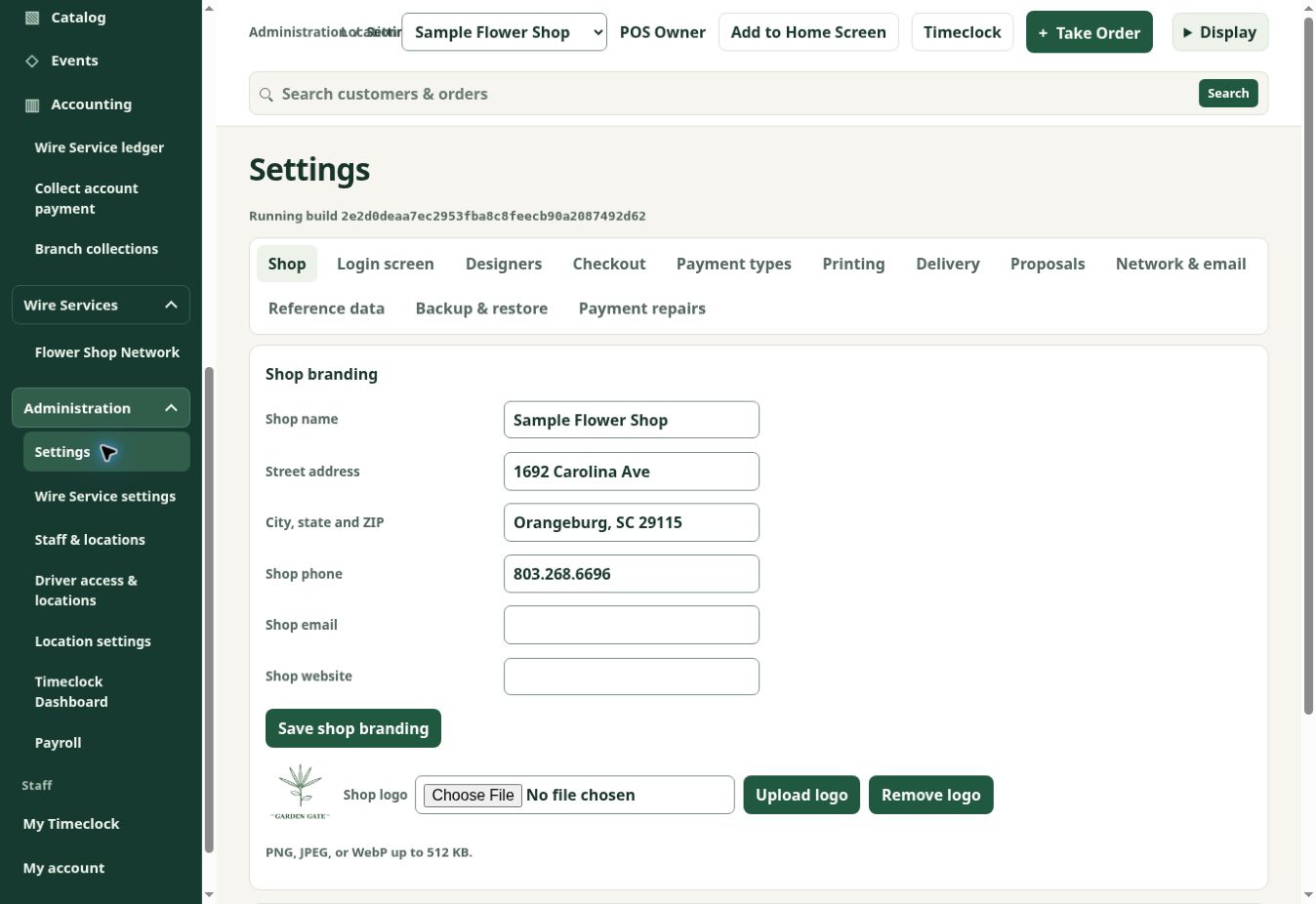
Self-host when you want to manage the environment, updates and backups. Choose cloud hosting when you want help running the infrastructure. Discuss installation and support needs before choosing a deployment.
Set shop branding, seasonal login themes, locations, registers, staff access, custom payment types, taxes, card fees, delivery pricing, printer assignments and proposal templates.
Use backup and restore tools for supported data categories, retain source documents and rehearse a move in a separate installation. Migration tooling emphasizes preserved history and exact balance reconciliation.
Move with evidence
A useful migration preserves more than the fields on today’s order screen.
Customers, recipients, invoices, payment detail, credits, fees, products and original documents. Archive source-only information when it has no target field.
Compare every open account in exact cents to source evidence at the agreed cutoff. Report exceptions explicitly and automate comparison wherever possible.
Validate an isolated import and cutover plan. Review the remaining exceptions and retain the source mapping, backups and acceptance record.
Come on in
Try an order in the sample shop. See how it feels, then talk with us about your own.