
Inventory what matters.
Customers, orders, invoices, payments, credits, open account balances, delivery proof and source documents can all matter. Include records the new POS may not use every day, so the shop can still refer to them.
Moving to a new florist POS
Switching systems should preserve the records your customers and office rely on. Plan the evidence, mappings and checks before the move.
Customers, orders, invoices, payments, credits, open account balances, delivery proof and source documents can all matter. Include records the new POS may not use every day, so the shop can still refer to them.
Use the exports and authorized source access available to the shop. Retain source identifiers and documents, then map records into a separate practice installation before a production import.
Compare source and destination account by account. Check invoice/payment links, partial collections, refunds and credits. Keep exceptions visible; a finished import is not the same as a reconciled account.
Review sample tickets, statements, reports and customer history. Agree the final snapshot, backup, remaining changes and rollback plan before moving daily work.
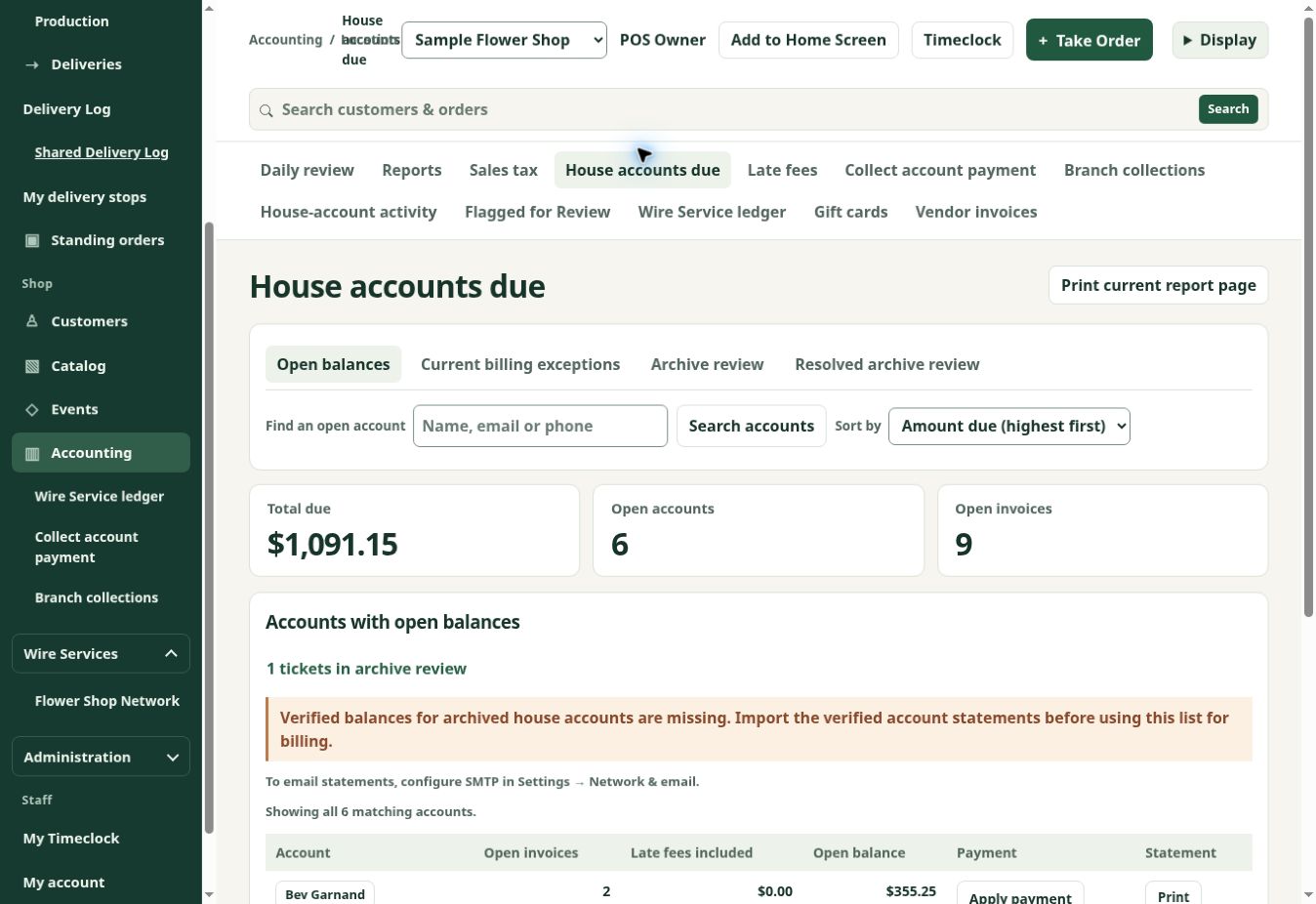
Choose managed hosting or self-hosting, then configure roles, registers, printers and delivery pricing in a practice shop. Keep real credentials and customer data out of the public demo.
Come on in
Try an order in the sample shop. See how it feels, then talk with us about your own.