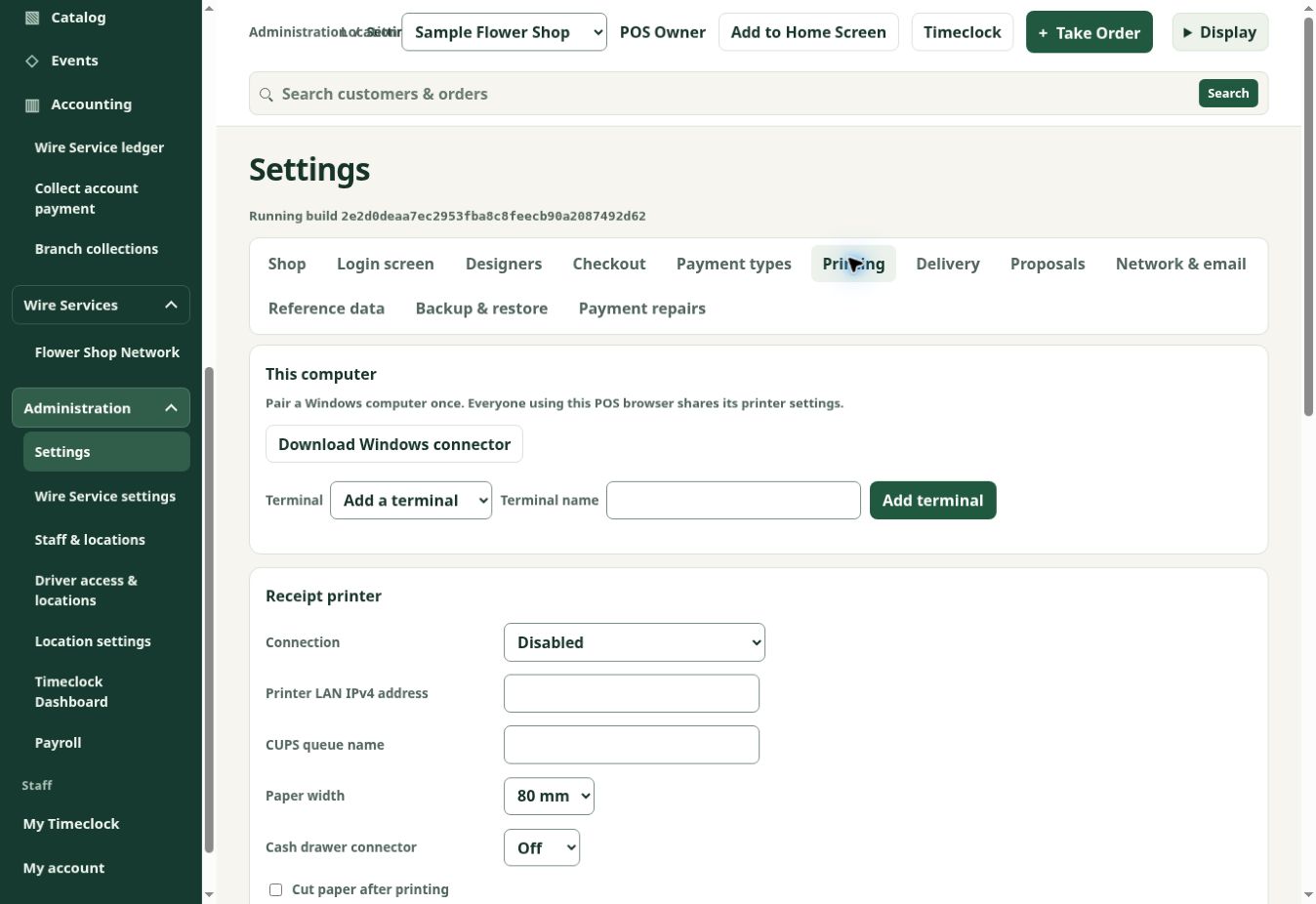
Actual demo POS Terminal printer setup, thermal receipt options and florist ticket settings.
01
Florist tickets, thoughtfully arranged.
Current tickets retain card-message line breaks and formatting, show the delivery date beside the ticket number and place the shop website beneath its name on branded cards while omitting the shop email. Adjust ticket alignment, fonts, message size and weight. Separate document formats serve receipts, invoices, work orders, statements and reports.
02
Set up the counter once.
Pair an optional Windows connector and assign printers by document type for that terminal. Staff sharing its browser use the saved assignments, with one-time overrides and standard printing available.
03
Check what actually printed.
A ticket indicator tracks print confirmation. Test alignment on plain paper before ticket stock. Thermal receipts support configured 58 mm or 80 mm devices, cutter and cash-drawer options.
Come on in
Take a look behind the counter.
Try an order in the sample shop. See how it feels, then talk with us about your own.