
Manual first. Catalog ready.
Enter an item name, quantity, price and line discount. Scan a barcode into the exact SKU field or browse the searchable product catalog, then edit or remove receipt lines.
At the counter
Type a custom arrangement, scan a product, or open the catalog. Keep the receipt and the next action in view.
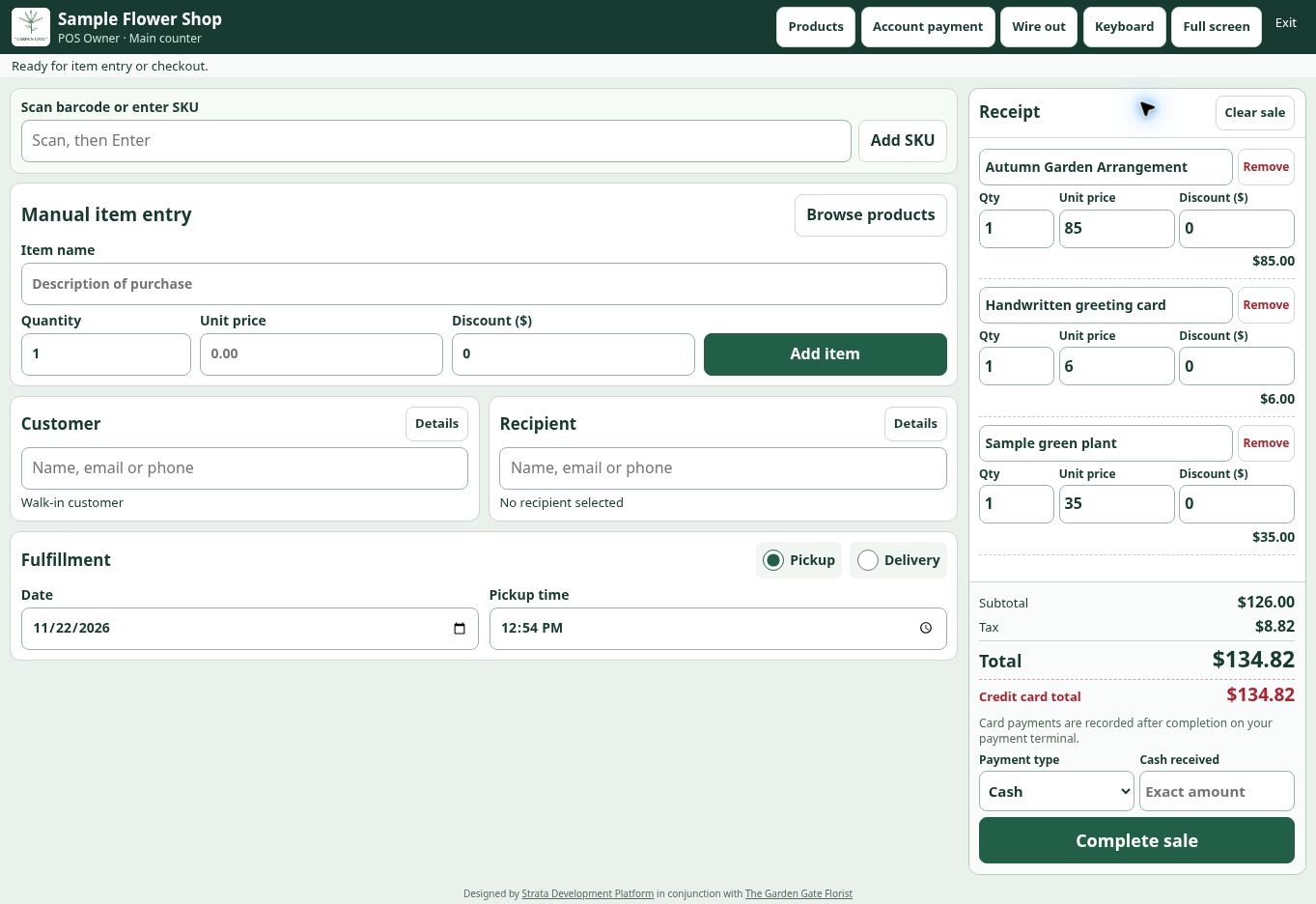
Enter an item name, quantity, price and line discount. Scan a barcode into the exact SKU field or browse the searchable product catalog, then edit or remove receipt lines.
See merchandise, tax, delivery where applicable, total and a separate red credit-card total with the configured fee. Cash, check, offline credit, house accounts and custom tender share the same pricing.
Look up customers and recipients, collect an account payment, or hand the cart to the full Wire Out workflow. The touch keyboard opens for text and number entry and is easy to dismiss.
Manual entry or catalog
Search and scroll the catalog, then return to the receipt. Account payments and Wire Out open within the register workflow.
Catalog and barcode instructions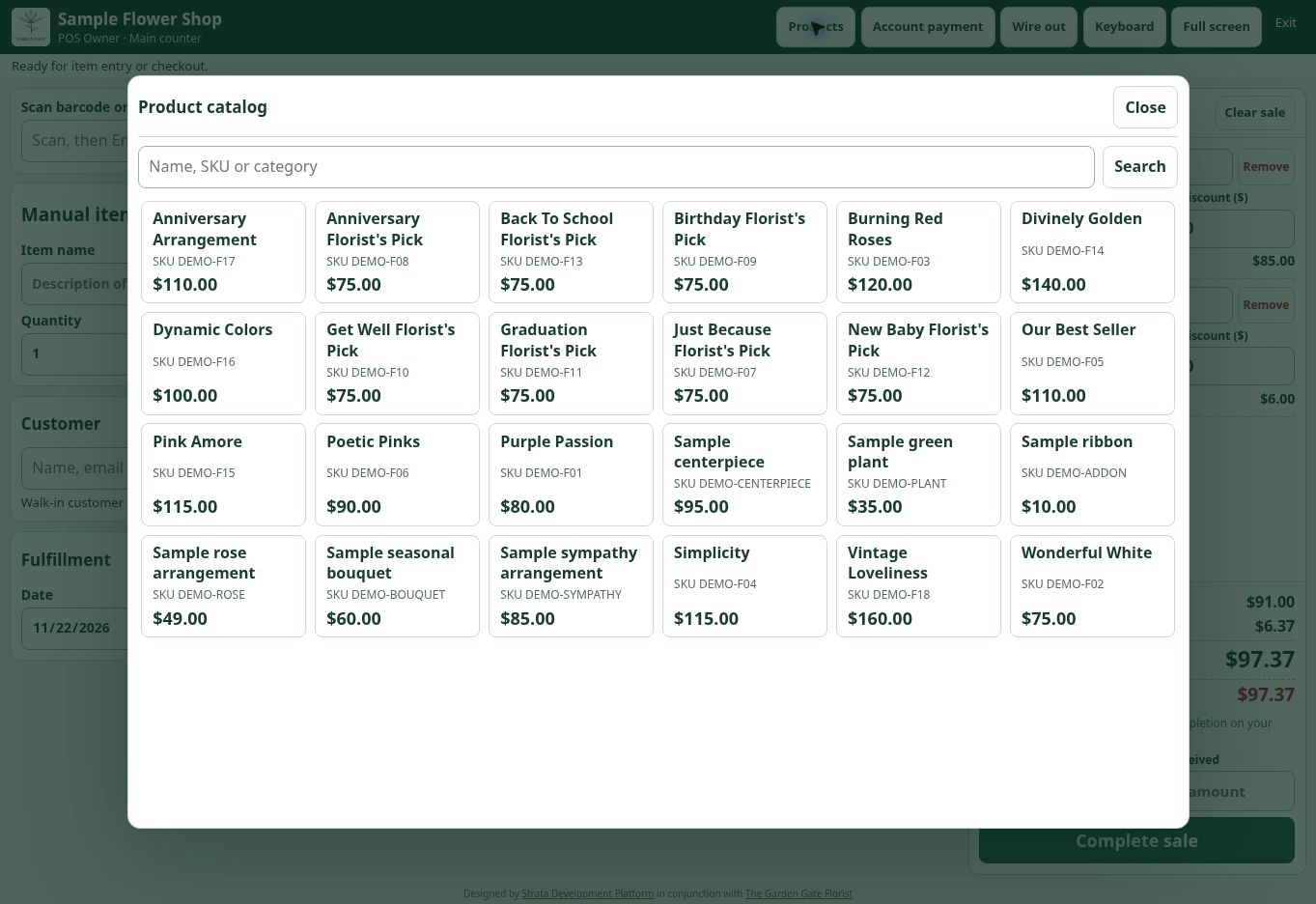
Come on in
Try an order in the sample shop. See how it feels, then talk with us about your own.