
An inbox the shop can notice.
Persistent banners and configurable sounds flag new incoming orders until acknowledged. Review details and accept or refuse through the enabled FSN connection, with a recorded decision.
Connected floristry
Review incoming FSN orders, route outgoing work and give designers the provider reference when it is available.
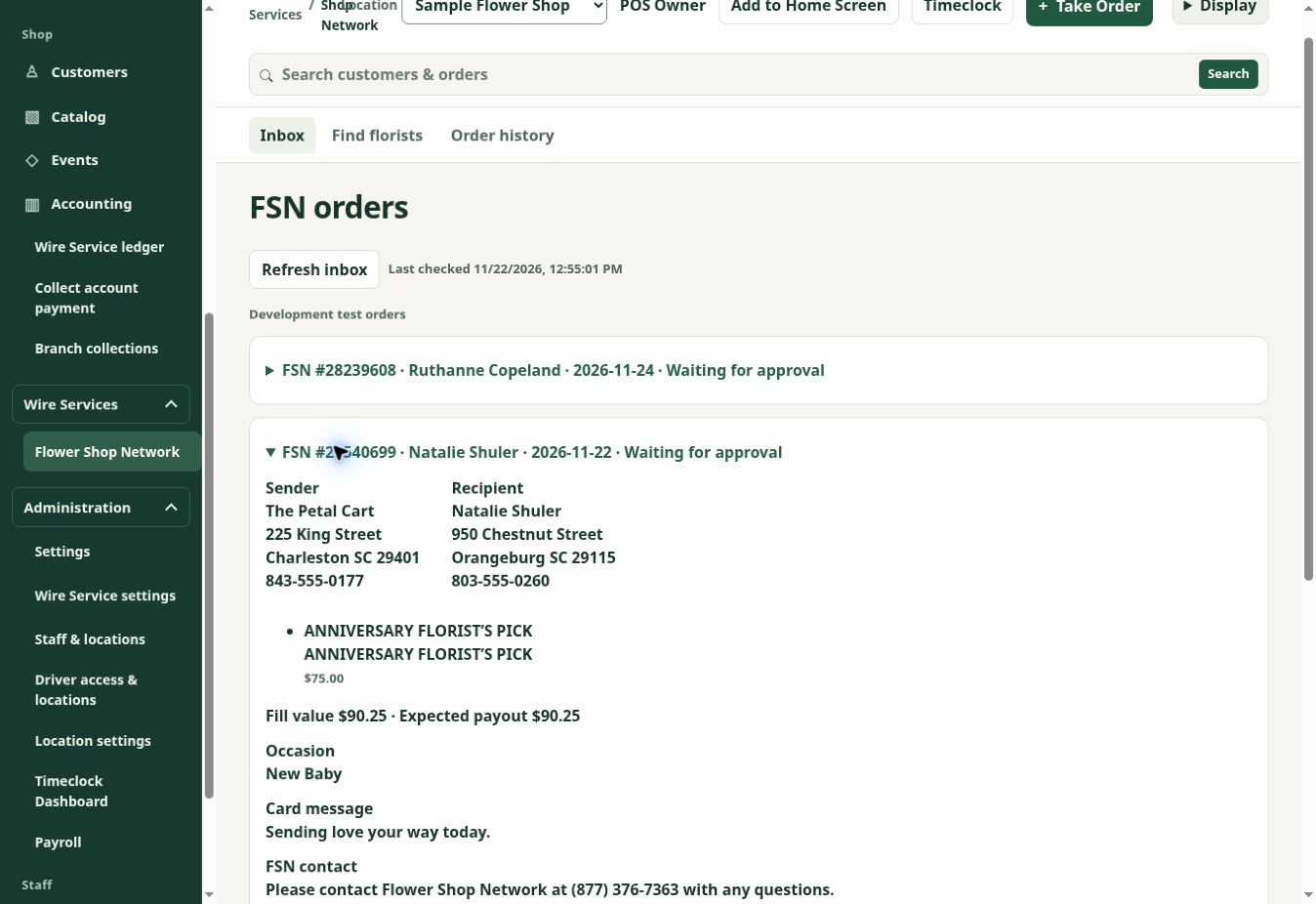
Persistent banners and configurable sounds flag new incoming orders until acknowledged. Review details and accept or refuse through the enabled FSN connection, with a recorded decision.
Linked FSN orders can show an arrangement image, description, floral recipe, exact product ID and available website prices. Refresh provider details, alternate contact information and filling-florist references without changing ticket amounts.
Enter products before choosing a filling florist. Search FSN delivery-area matches for the recipient and current relay amount. Full payment or the House Account send confirmation queues eligible orders automatically; uncertain sends require verification. Track provider charges and payouts in the Wire Service ledger.
Come on in
Try an order in the sample shop. See how it feels, then talk with us about your own.